
One-click Publish
Visitors post your configured content to their own social accounts on the spot.
- One-tap publish to Douyin
- One-tap publish to RedNote
- One-tap publish to Kuaishou
Impact-Site-Verification: f9836212-462a-482f-9232-8a877970eacf
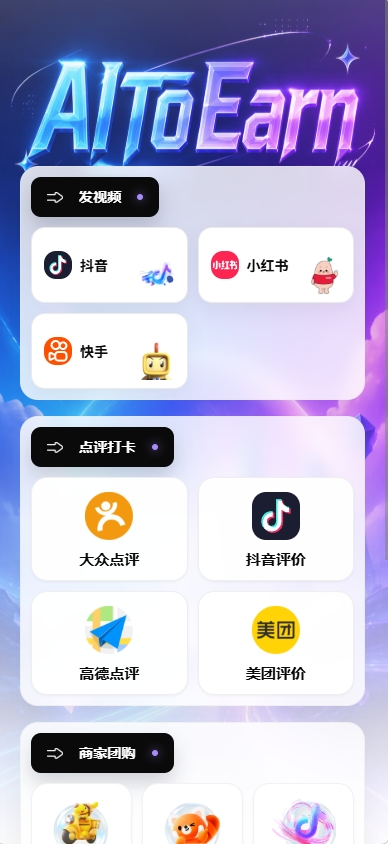
One-tap publishing, review check-ins, group deals, and follow growth — all freely customizable.
Visitors post your configured content to their own social accounts on the spot.
Guide visitors to your online stores to check in and leave reviews.
Put group deals and coupons right in your visitors’ hands.
Turn one store visit into a lasting follower relationship.
Everyday scenario
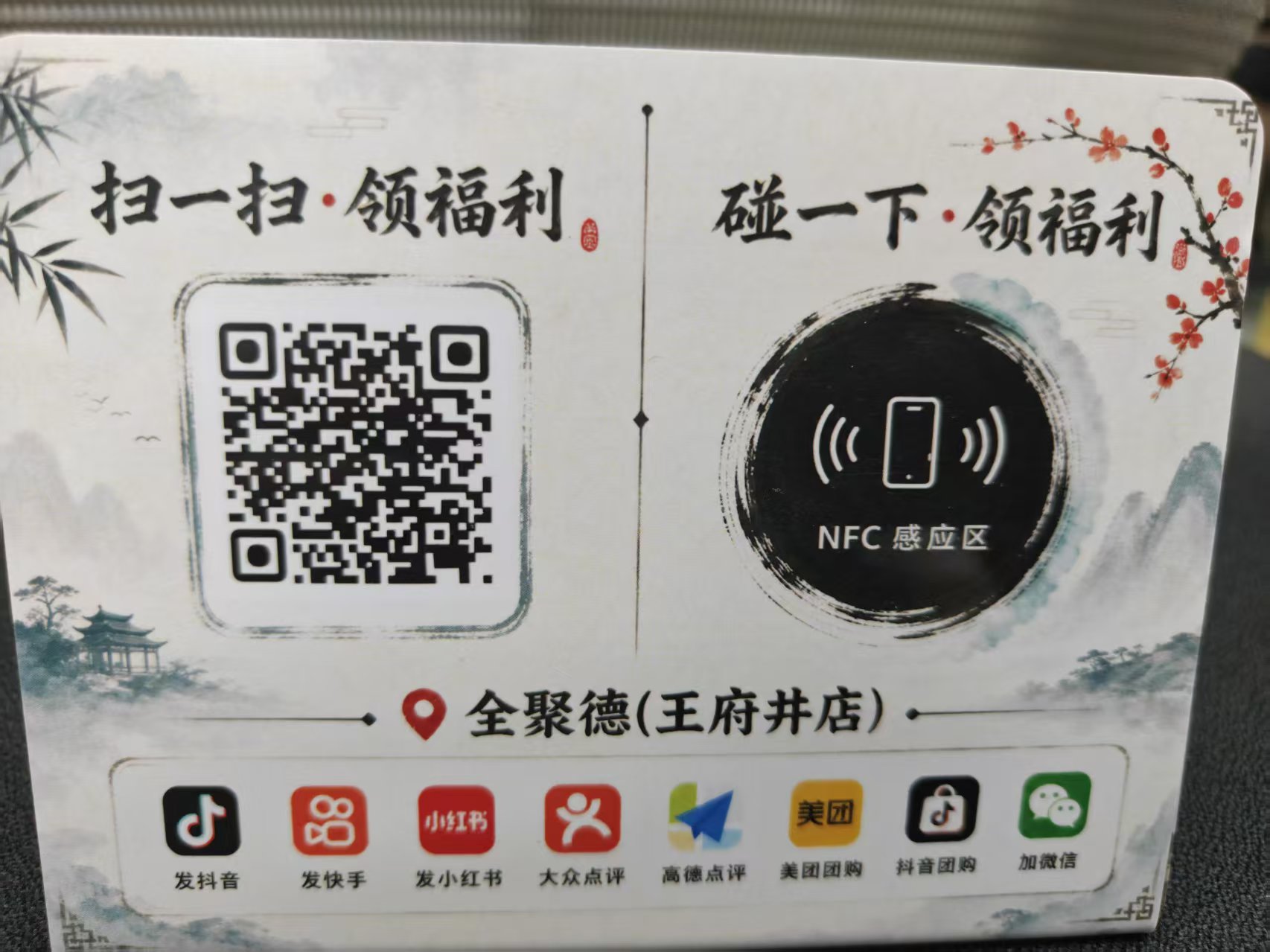
Place a QR code in your store. Visitors scan it to open your configured check-in page: post videos in one tap, leave reviews, claim deals, and follow you — no app download required.
Scan to try AI Check-in
Scan with your phone to experience the full check-in flow
Fully customized
Large campaigns can fully reuse AI Check-in capabilities with deep customization on top: bespoke visuals, dedicated flows, and custom gameplay — proven with leading enterprises.
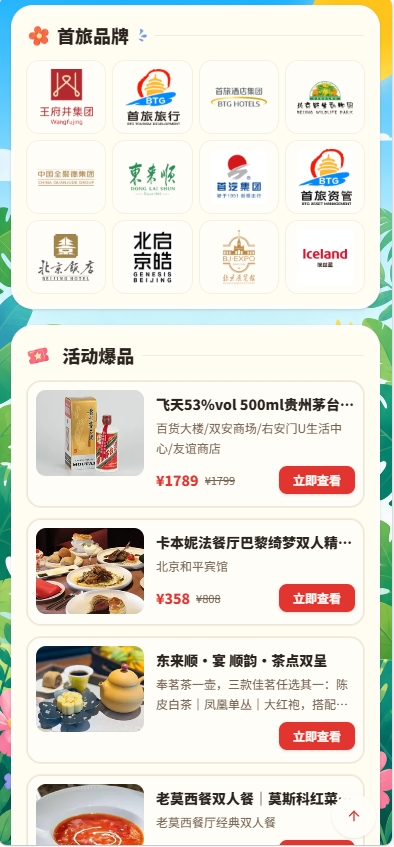
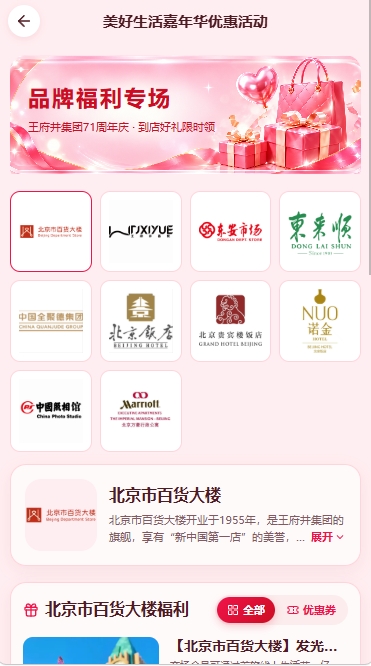
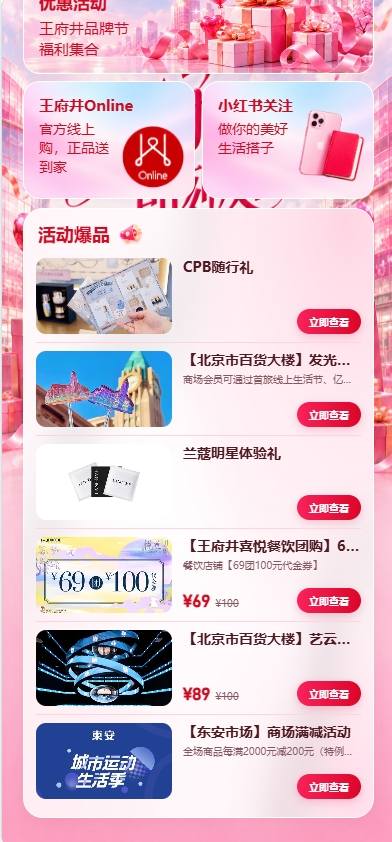
A brand portfolio campaign platform built for BTG Group, uniting Wangfujing, BTG Hotels, Quanjude and more — featured deals, store navigation, and online ordering in one place.
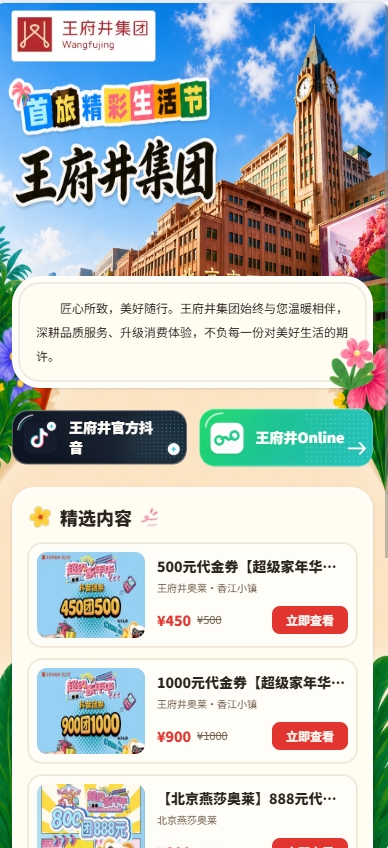
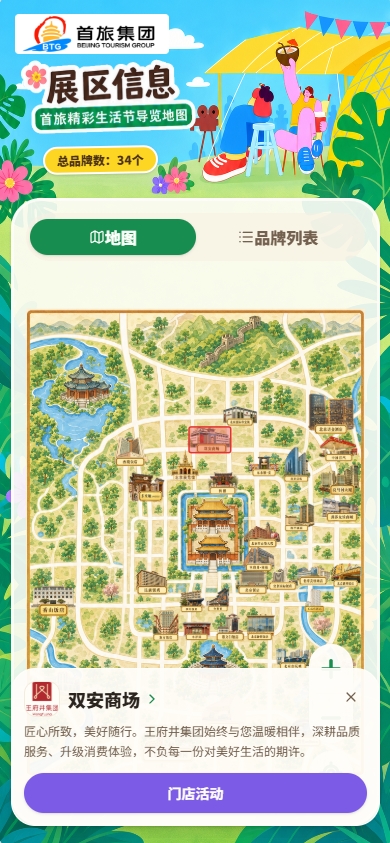
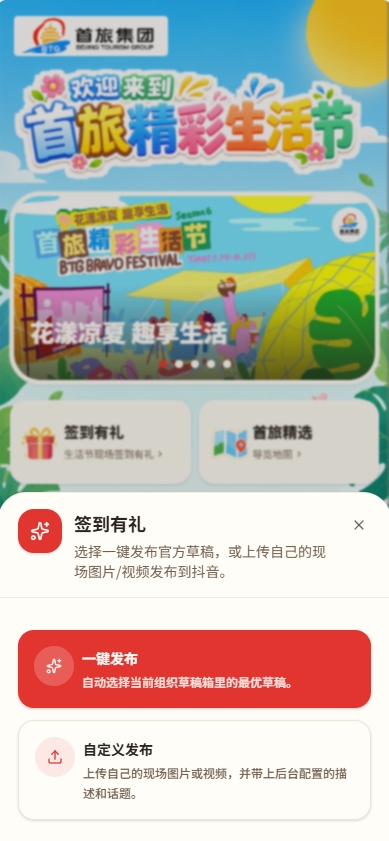
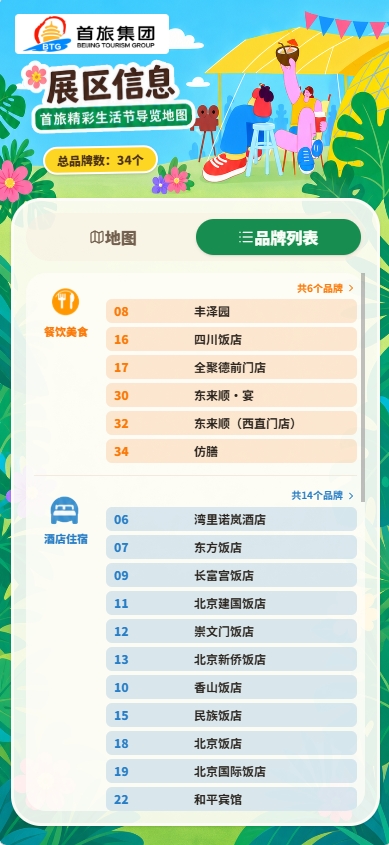
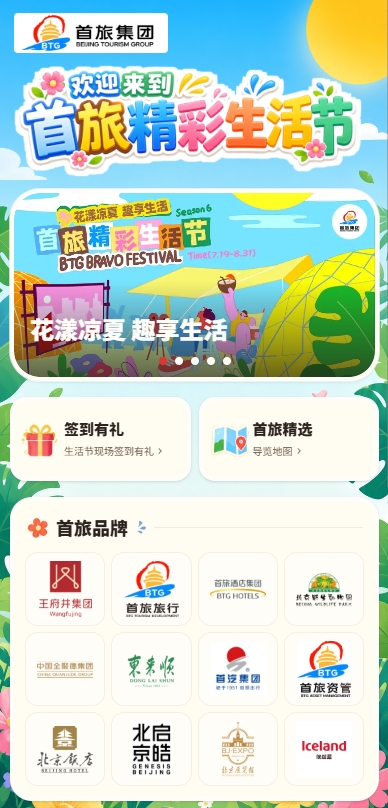
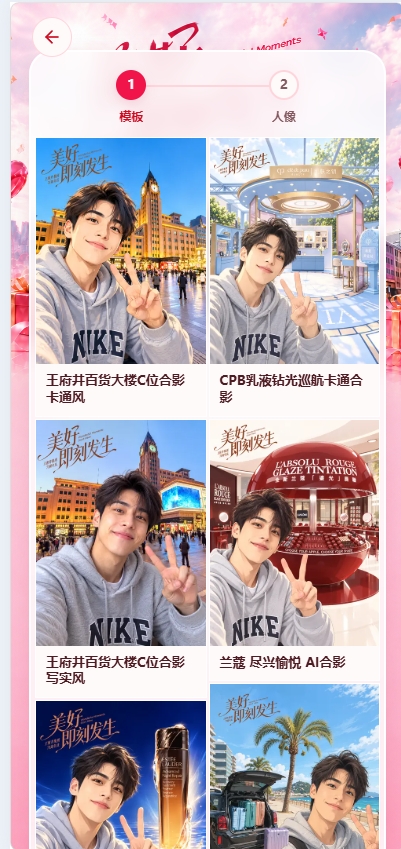
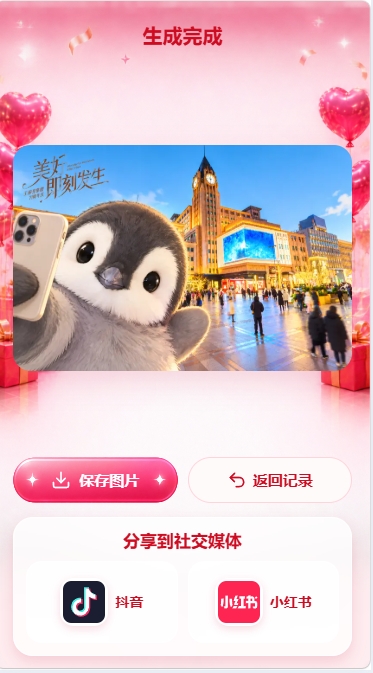
A custom festival campaign for Wangfujing Group: AI photo spots, brand tours, benefit collection, and RedNote follow growth — turning festival traffic into brand assets.


Have a custom scenario in mind? Contact us and let’s talk about your campaign.
Organizers can configure the entrance, attention, benefits, materials, and publishing requirements according to the activity objectives, and the specific available items shall be subject to the background configuration.
The system supports recording check-in, following, material uploading and publishing, etc. The actual statistical fields depend on the activity configuration and the data returned by the platform.
Starting with a clear check-in portal makes it easier for guests to complete actions and for operations teams to review.