
01
One-tap multi-account publishing
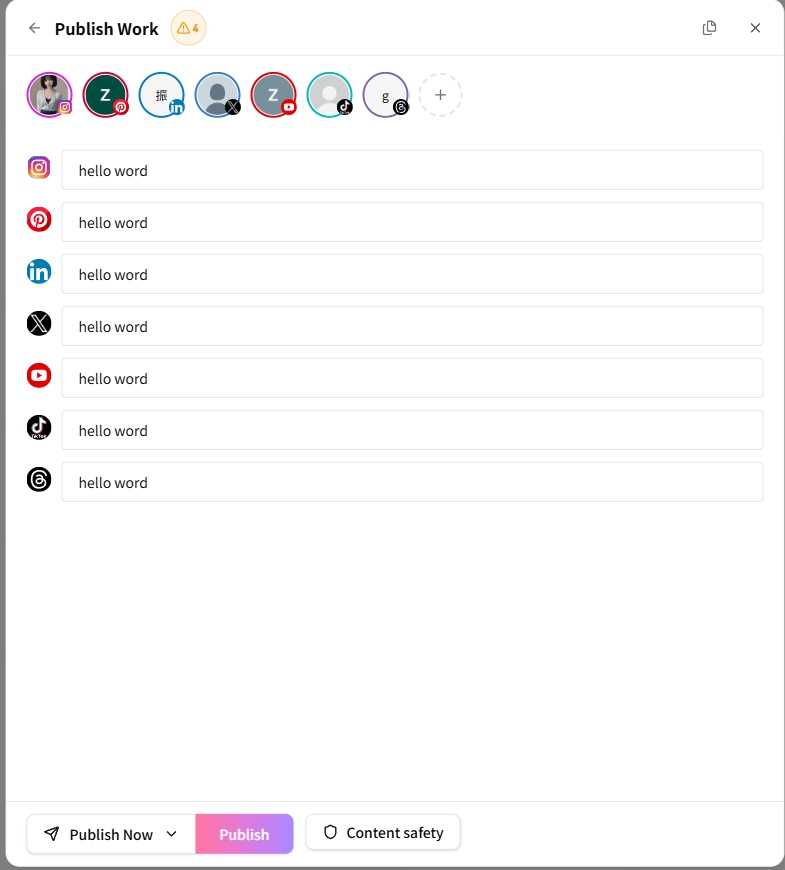
Select accounts across platforms, adapt content per account, and publish all at once.
Impact-Site-Verification: f9836212-462a-482f-9232-8a877970eacf
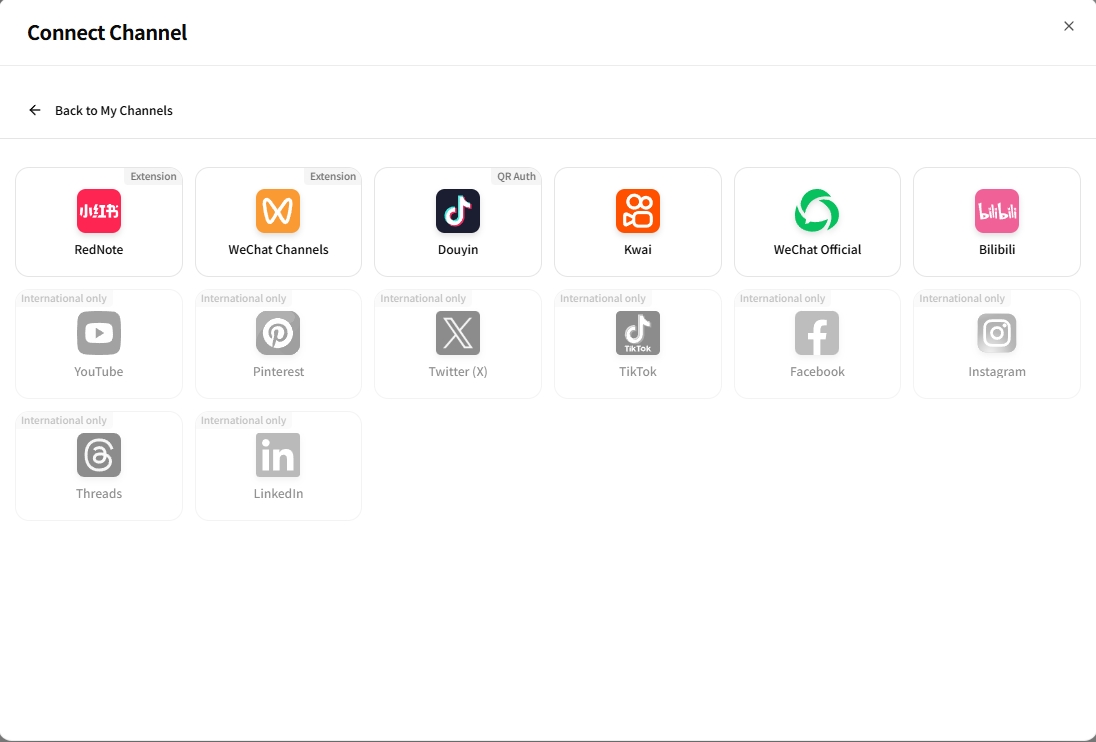
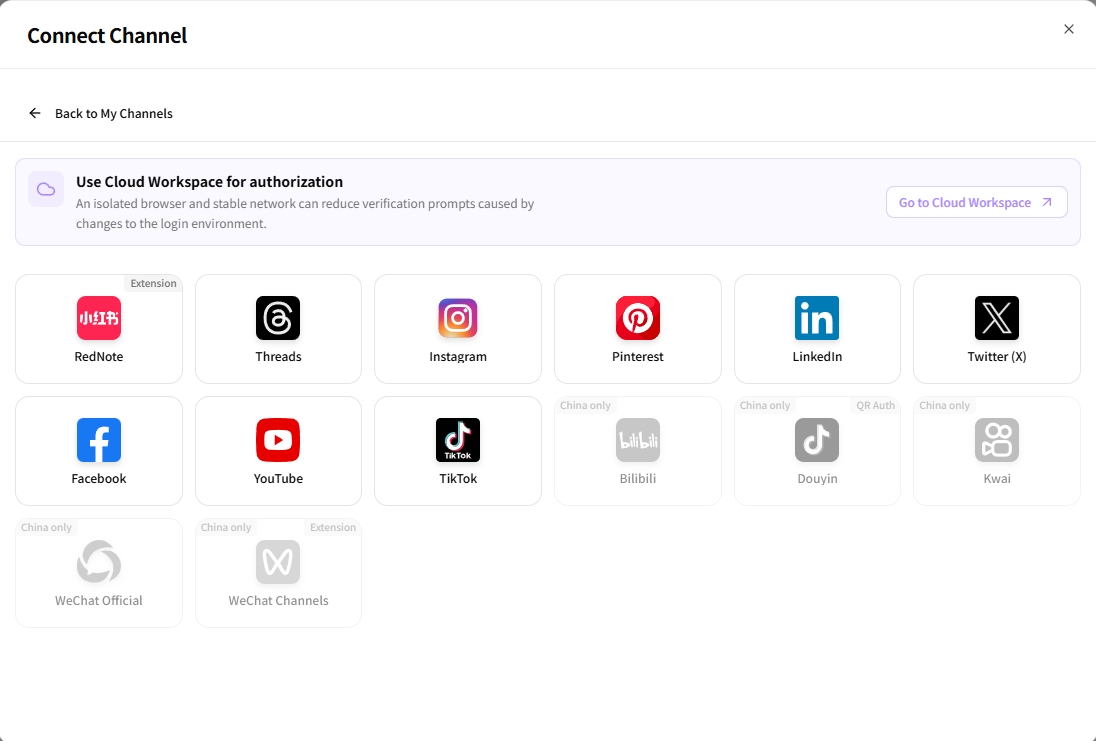
Supporting both Chinese and international mainstream social platforms at the same time is what sets AiToEarn apart.
China platforms
 Xiaohongshu
 WeChat Channels
 Douyin
 Kwai
Kwai WeChat Official
 Bilibili
International platforms
 YouTube
 Pinterest
 Twitter (X)
 TikTok
 Facebook
 Instagram
 Threads
 LinkedIn
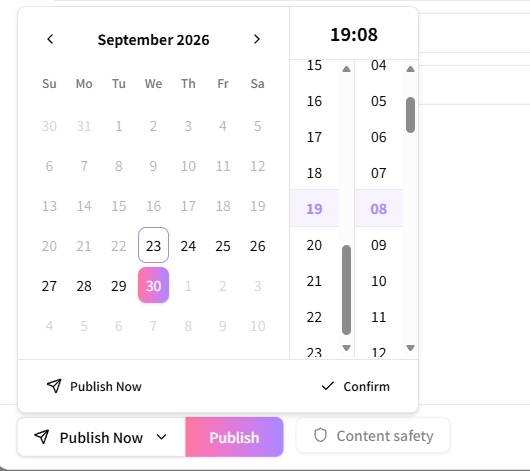
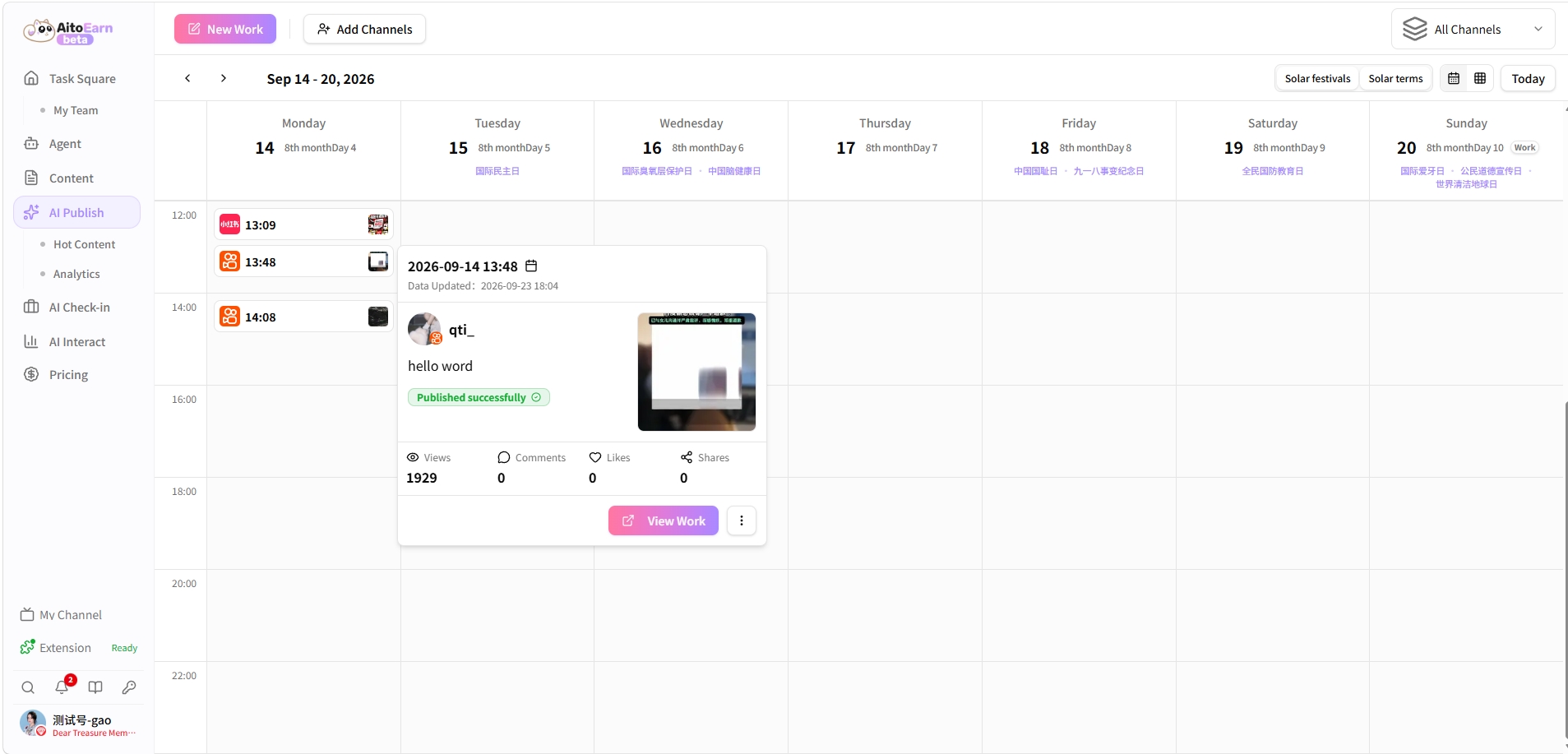
Multi-account selection, per-platform adaptation, instant publishing, and scheduling — all in one interface.
Select accounts across platforms, adapt content per account, and publish all at once.
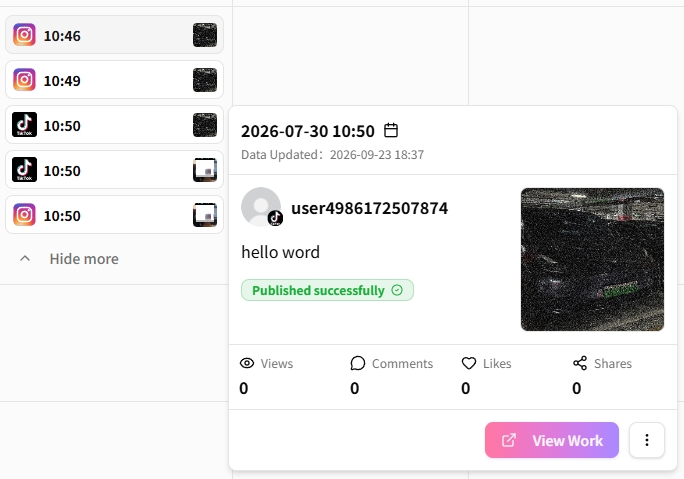
Manage domestic and international accounts in one place with clear publishing records.
Account safety
Most platforms authorize and publish through official APIs — no simulated logins, no grey-area interfaces, so you never have to worry about account bans.
Account binding and publishing go through the platforms’ official OAuth / APIs.
Every publish uses the platform’s officially permitted interfaces — nothing against the rules.
Authorization status, publish results, and failure reasons are always visible.
Authorization can be revoked at any time — your accounts stay in your hands.
Open Platform
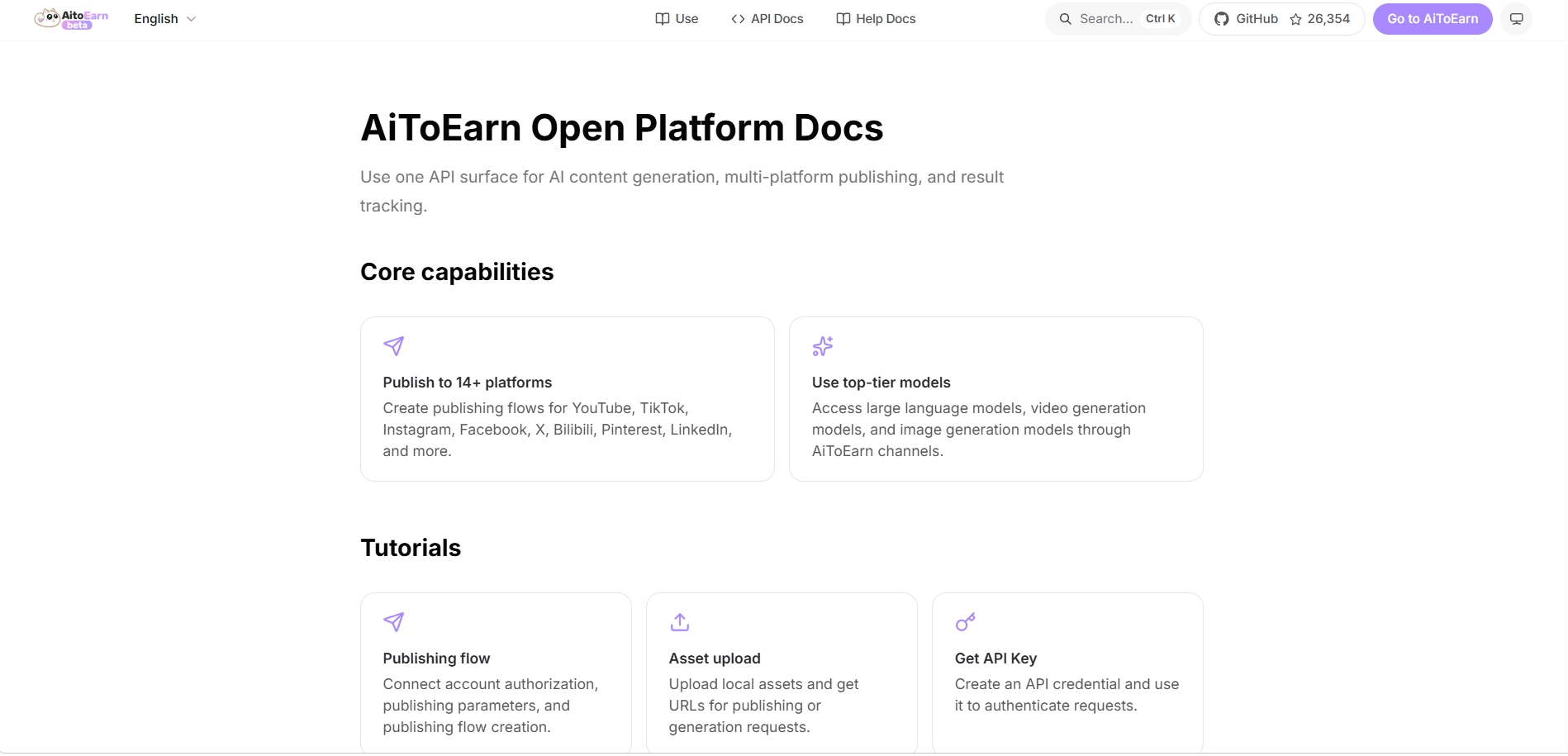
With the Open Platform API, call AiToEarn’s multi-platform publishing, asset upload, and AI generation capabilities directly from your product — one API for 14+ platforms.
Matrix publishing means distributing one piece of content to multiple platforms and multiple accounts at the same time. Creators and brands use it to expand reach: edit once, go live everywhere, without uploading platform by platform.
Doing matrix publishing by hand means logging in, uploading, and filling in copy across a dozen platforms — slow and error-prone. AiToEarn puts account authorization, content adaptation, batch publishing, and scheduling into one workspace, so every step of matrix publishing is reviewable and trackable.
Creators running multiple platforms, brand teams distributing content at scale, and MCNs or agencies managing many accounts can all compress repetitive work into a single action with matrix publishing.
Multiple linked accounts can be selected, but each platform will still be verified against its own content and authorization requirements.
The release process shows the platform differences and verification results, and you can adjust the corresponding fields and materials before publishing.
The execution condition depends on the platform authorization method and the current configuration. The release record will give feedback on whether the task was successful and why it failed.
Go to the Publishing Workbench, select your account, and schedule your next piece of content.
Access Publishing Workbench